Prices that move while you sleep
Pick the markets you follow and the phone buzzes when a line shifts. Check the new price, back it or skip it, without keeping a browser tab alive through a whole innings. Alerts stay off until you turn them on.
One file, 32 MB, and the lobby travels with you: cricket markets, slots, live tables and crash. Tap Download APK, allow installs from your browser once, and the board opens in under a minute. iPhone players get the same account through a home screen icon instead.
Installing is free and needs no card. You only need an account once you want to deposit or place a bet, and the QR in the download bay below skips the typing on a phone.
18+ Play Responsibly
On this page
Turn on match notifications and the phone tells you when a cricket price moves, so you are not refreshing a browser tab at 2 AM waiting for a drift.
Deposits clear in about 6 minutes from a ৳450 minimum, and withdrawals sit at about 5 minutes on the same four rails you already use on the website.
4,900 games from Habanero, Spribe, Ezugi, JDB, Evolution and Playtech, plus live tables and crash rounds. Same account, same balance, same RTP on every tile.
The APK is 32 MB and runs on Android 6.0 and up, so an older handset still opens the board and keeps the balance in step with the server.
Scan the code with a phone camera and the same file opens, already sized for the screen.
Every build is signed and served from this domain. The table below is the current one; if the numbers on your browser differ from what you see here, you are holding an old copy and should download again.
| Version | 2.2.13 |
|---|---|
| File name | 3sbdd.apk |
| File size | 32 MB |
| Minimum Android | 6.0 |
| Last updated | 12 Nov 2026 |
| Price | Free |
| Language | English, Bengali |
| Support inside the app | 24/7 Live Chat |
Your browser may warn that this kind of file can harm your phone. That message appears for any app installed outside the Play Store, not because of this file in particular. The next section covers the one switch Android asks you to flip.
Pick the markets you follow and the phone buzzes when a line shifts. Check the new price, back it or skip it, without keeping a browser tab alive through a whole innings. Alerts stay off until you turn them on.
Money leaves bKash or Nagad and lands in the wallet in roughly 6 minutes from a ৳450 minimum. The cashier shows the balance before you confirm, and the same screen keeps your withdrawal history in one place.
Slots from Habanero and Playtech, live tables from Evolution and Ezugi, crash rounds from Spribe and JDB. Every tile carries its provider and RTP, so comparing two games takes a glance instead of a new tab.
Open the cashier, pick bKash, Nagad, Rocket or a bank transfer, and a clean request usually settles in about 5 minutes. The base tier allows ৳180,000 a day, and KYC review takes up to 12 hours.
Live tables carry the weight, so the app keeps slot reels and crash rounds light when the signal drops between towers. Your balance follows the server, not the screen, so a stalled spinner never rewrites the total.
The inside-app 24/7 Live Chat is the same team that answers on the website, and they can pull up your account without you repeating every detail. Useful when a deposit hangs an hour before the first ball.
The lobby is sorted like a departure board: slots, fishing, live casino, crash and sport, each tile stamped with the provider and the return figure. Two rows from the board sit below; the rest load behind the same login you use in the browser.
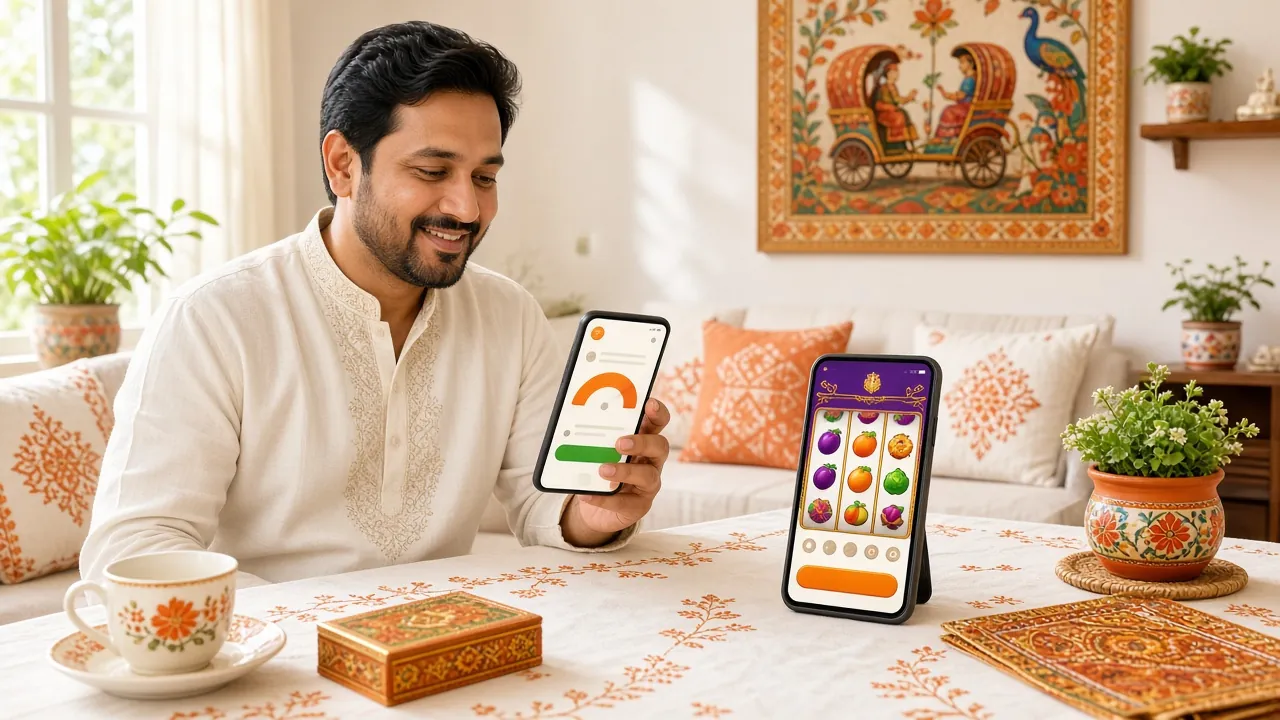
Android shows a short list before the first launch. Here is the whole list, what each switch is for, and what the app never reaches for.
Android asks once whether your browser may install apps. That switch covers the 3sbdd.apk file and nothing else, and you can turn it back off the moment the install finishes.
Off by default. Switch them on if you want odds alerts and match reminders, and you can mute a single market later without silencing the rest of the board.
The app talks to the 3sbdd servers to pull the lobby, the prices, the cashier and your balance. It does not read other apps, and it keeps no copy of your bKash PIN.
No contacts, no SMS, no photos, no call log, no location. If a build ever requests any of those, close it and download again from this page instead of continuing.
Download only from 3sbdd.lat. A copy forwarded through a Facebook group or a Telegram channel can carry code nobody here signed, and no amount of antivirus scanning makes an unsigned build safe to log into.
Five steps, about two minutes on Wi-Fi. The first one is the only part people get stuck on, so it comes first.
Open Settings, then Apps, then Special app access and Install unknown apps. Choose the browser you download with and switch the toggle on. Reverse it after installing if you prefer.
Tap Download APK on this page. The file is 32 MB, so a slow connection takes a minute or two. Keep the tab open until the progress bar closes, because a half file fails at the last step.
Pull down the notification shade and tap the finished download, or open your Downloads folder and pick 3sbdd.apk. Android shows the permission summary next. Read it once before you tap anything.
Tap Install and let Android unpack the file. If Play Protect raises a flag, open More details and continue. The 3sbdd icon drops onto your home screen when the process ends.
Open the app and sign in with your usual details, or register first. Deposit at least ৳450 from bKash, then set a daily limit before the first bet rather than after it.
Both routes reach one account and one balance, so nothing is locked behind the install. The difference sits in the edges: how fast a price reaches you, how the page behaves on a thin signal, and how often you want to deal with updates.
| What you do | In the 3sbdd app | In the browser |
|---|---|---|
| Getting in | One 32 MB file, kept until you delete it | Nothing to install, just the address |
| Cricket alerts | Phone notifications when a price moves | Only if a tab stays open and awake |
| Weak mobile data | Lighter lobby, tiles stay cached | Full page reloads after every drop |
| Deposits | bKash, Nagad, Rocket or bank, about 6 minutes | Same rails, same 6 minutes |
| Withdrawals | Same cashier, about 5 minutes | Same cashier, about 5 minutes |
| Updates | New APK when the version number changes | Always the newest build |
| Storage on the phone | About 32 MB | Nothing beyond the browser |
| Best for | Match nights and quick balance checks | Long sessions and bigger screens |
Most players run both. The app handles the alert and the five-minute deposit on the way home; the browser takes the long session on a laptop when a Test match stretches past midnight. Your limits and KYC status follow the account, not the device.
Almost every failed install on Android falls into one of five buckets. Match the message on your screen to the middle column, then follow the fix on the right.
| What you see | Why it happens | What to do |
|---|---|---|
| Install blocked | Android has not been told your browser may install apps | Settings › Apps › Special app access › Install unknown apps › your browser › Allow |
| App not installed | The file came down only partly, or the phone is out of space | Delete 3sbdd.apk, free some storage, then download it again from this page |
| Download stops partway | Mobile data dropped in the middle of the transfer | Switch to Wi-Fi, close other downloads, and start the transfer again from the top |
| Opens, then closes | Android older than 6.0, or an outdated System WebView | Update System WebView from the Play Store. On Android 5 and below, stay on the browser version |
| Login will not go through | An old saved password, or a VPN running in the background | Reset the password through the login page, switch the VPN off, then try again |
Nothing in the list matches your screen? Open 24/7 Live Chat and say which step failed, which Android version you run and what the exact message said. That saves the first three replies.
32 MB, Android 6.0 and up, and the same account you already use. If you have played on the site before, the app asks for nothing new at sign-in.